From the TSC Information Technology Department
Every October, the nation comes together to observe National Cybersecurity Awareness Month (NCSAM)—an initiative designed to promote online safety and empower individuals to protect themselves in the digital age. At Texas Southmost College, this month serves as a reminder to students, faculty, and staff that cybersecurity is a responsibility shared by everyone.
Why Cybersecurity Matters at TSC
From online classes and email communication to student portals and campus systems, technology plays a significant role in powering much of the TSC experience. Unfortunately, it also presents opportunities for cybercriminals who try to trick users into sharing passwords, clicking unsafe links, or downloading harmful files.
A single phishing email or weak password could put not only your personal information at risk but also the security of TSC’s networks and resources. That’s why practicing good cybersecurity habits is essential for every Scorpion.
“Cybersecurity is a shared responsibility,” said Martha Ochoa, TSC Chief Information Security Officer. “At Texas Southmost College, we are committed to protecting our community’s digital environment, but each of us must do our part by staying alert and practicing safe online habits.”
Four Key Cybersecurity Habits for 2025
This year’s NCSAM campaign highlights four steps that everyone in the TSC community should follow:
-
Strengthen Your Passwords & Enable Multi-Factor Authentication (MFA): Use strong, unique passwords for your TSC accounts. Add an extra layer of protection with MFA when available.
-
Update Devices and Apps Regularly: Keep your laptop, phone, and apps up to date to patch security holes.
-
Be Alert for Phishing: Think before you click on links or open attachments—especially in emails that look suspicious. When in doubt, report it to the IT department.
-
Back Up Your Work: Save important assignments and projects to secure cloud storage or external drives. This protects you from data loss.
More Security Tips
Google yourself
Google yourself
-
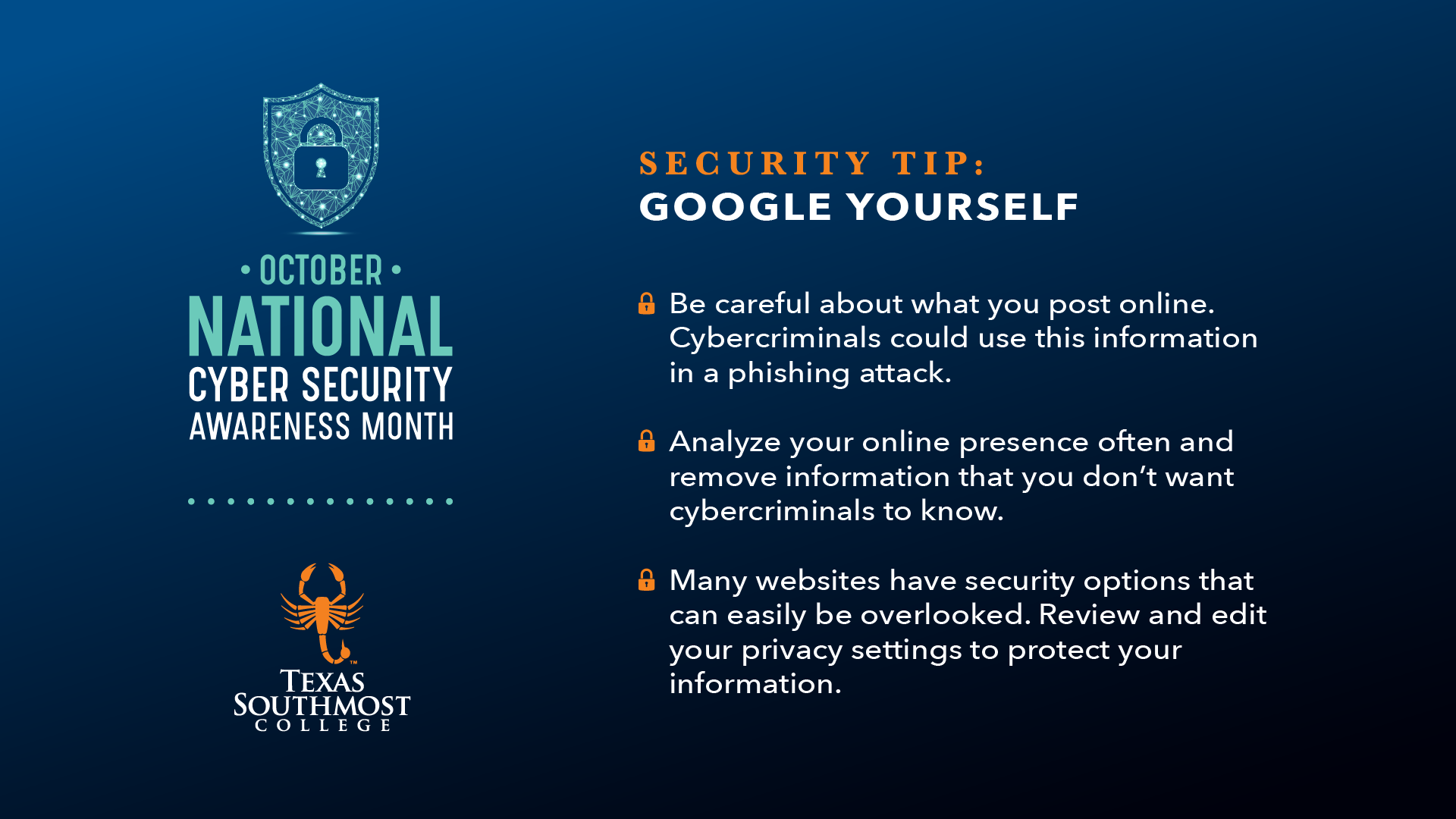
Be careful about what you post online; cybercriminals could use this information in a phishing attack.
-
Analyze your online presence often and remove information that you don’t want cybercriminals to know.
-
Many websites have security options that can easily be overlooked. Review and edit your privacy settings to protect your information.
Stay Safe on Social Media
-
Think before you post. Cybercriminals can use your personal information in spear phishing attacks to make the attacks appear legitimate.
-
Make your social media accounts private. This helps prevent cybercriminals from using your personal information against you.
-
Be cautious before replying to someone you don’t know online. They could be a cybercriminal in disguise.
Unexpected Emails
-
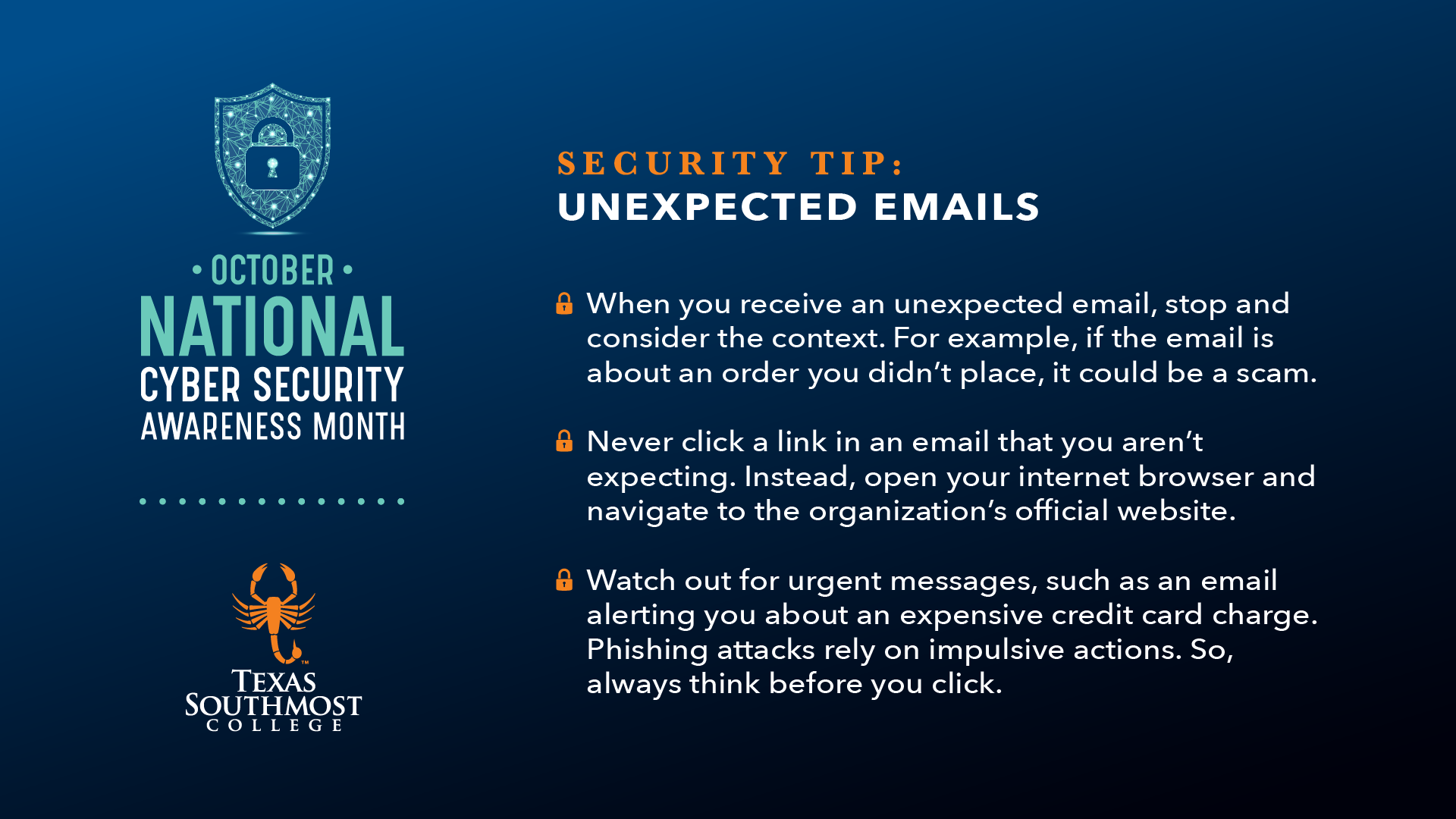
When you receive an unexpected email, stop and consider the context. For example, if the email is about an order you didn’t place, it could be a scam.
-
Never click a link in an email that you aren’t expecting. Instead, open your internet browser and navigate to the organization’s official website.
-
Watch out for urgent messages, such as an email alerting you about an expensive credit card charge. Phishing attacks rely on impulsive actions. So, always think before you click.
Unsafe Email Attachments
-
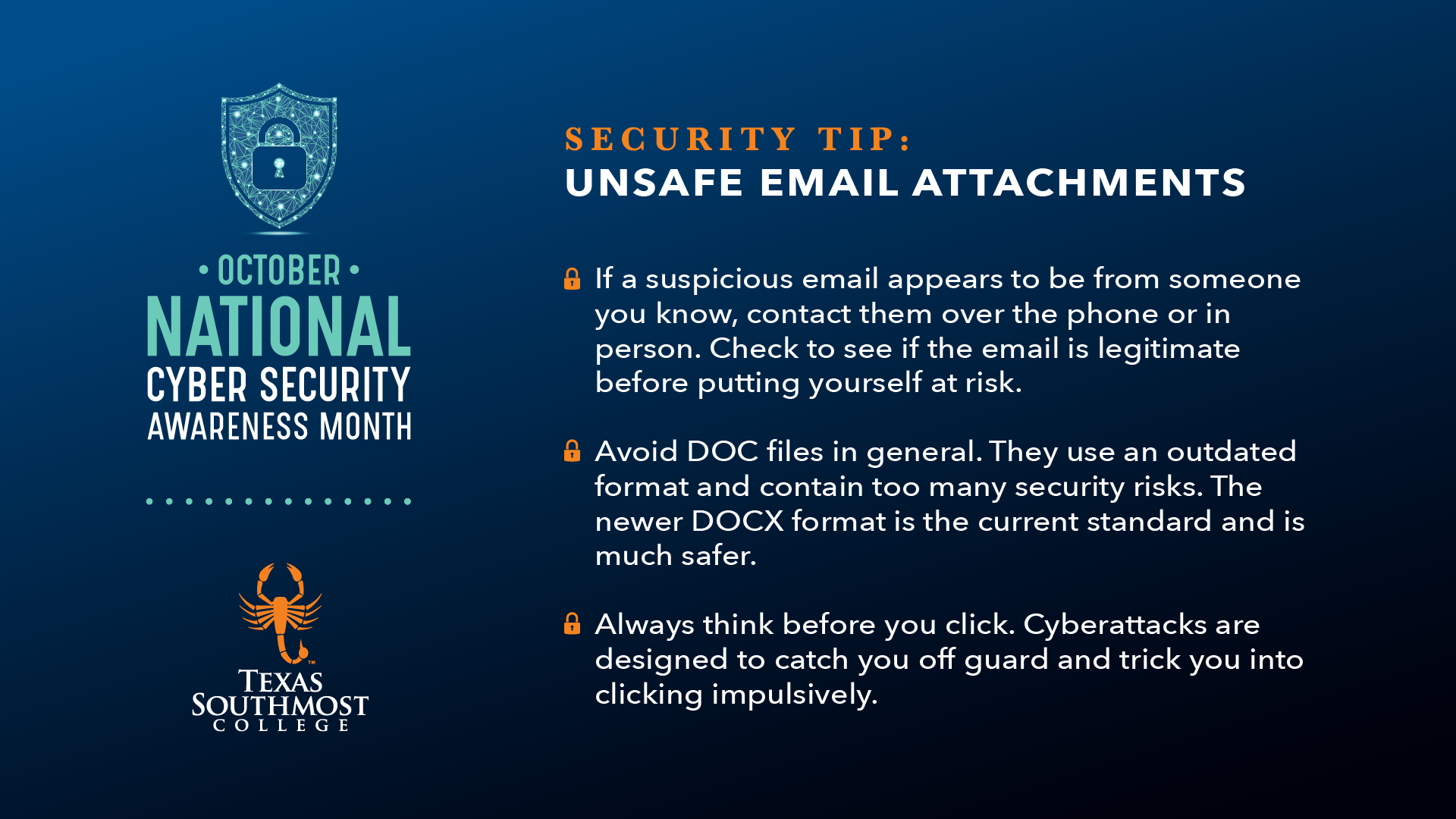
If a suspicious email appears to be from someone you know, contact them over the phone or in person. Check to see if the email is legitimate before putting yourself at risk.
-
Avoid DOC files in general. They use an outdated format and contain too many security risks. The newer DOCX format is the current standard and is much safer.
-
Always think before you click. Cyberattacks are designed to catch you off guard and trick you into clicking impulsively.
October is Cyber Security Awareness Month

October is Cyber Security Awareness Month
October is Cyber Security Awareness Month